

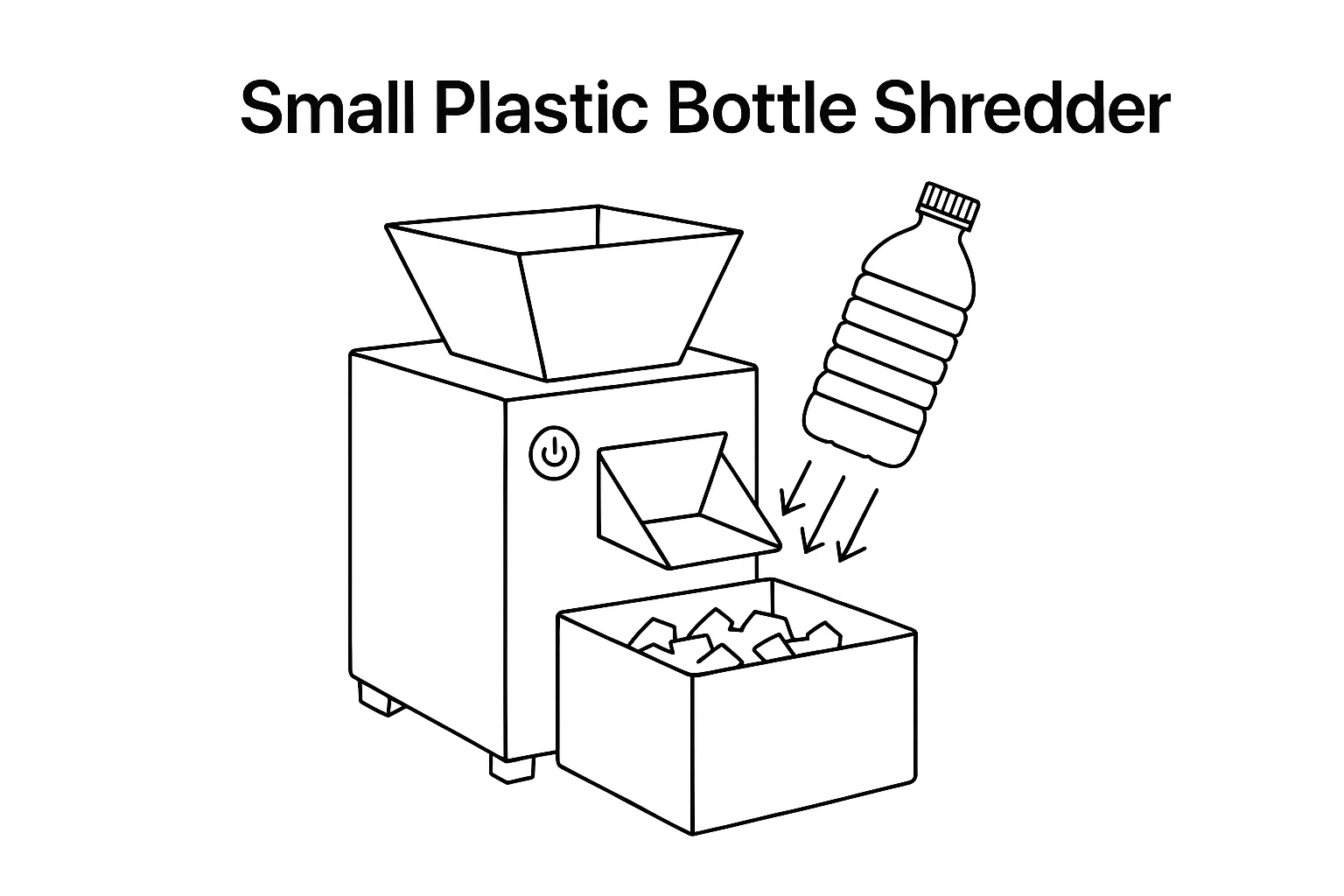
에이 탁상용 플라스틱 파쇄기 bridges the gap between office paper shredders and full-scale industrial shredding lines. These compact machines — typically under 800 mm long and powered by 0.75–3 kW motors — process 5–50 kg/h of plastic waste right at the source: beside an injection molding press, inside a 3D printing lab, on a university research bench, or in a small recycling workshop. If you generate small batches of plastic scrap and want to shred it on-site instead of paying for external processing, this guide covers every desktop shredder type, real specifications, application matching, and a framework for choosing the right unit.
What Is a Desktop Plastic Shredder?
A desktop plastic shredder is a compact, low-power size-reduction machine designed for small-batch plastic processing in space-constrained environments. Unlike industrial shredders that occupy 3–10 m² of floor space and require 15–132 kW drives, desktop models fit on a workbench or small table, run on single-phase 220V power, and operate at noise levels of 70–85 dB — quiet enough for lab and workshop environments without dedicated soundproofing.
Despite their compact size, desktop shredders use the same cutting principles as industrial units: counter-rotating shafts (dual-shaft) or a single rotor with fixed knives shear material into pieces sized by the screen or blade gap. Output particle size ranges from 5–20 mm depending on configuration — suitable for direct feeding into small extruders, 펠렛화기, or filament makers.
Who Needs a Desktop Shredder?
Desktop plastic shredders serve a growing range of users who generate small quantities of plastic waste and need on-site processing:
- 3D printing labs and makerspaces — shred failed prints, support material, and purge waste into flakes for filament extrusion. A single FDM printer generates 0.5–2 kg of waste per week; a farm of 10+ printers justifies a desktop shredder within months. See our guide on recycling 3D printing waste with a mini shredder
- Injection molding QC departments — shred test shots, first-article rejects, and color-change purge material. Regrind returns directly to the press hopper, eliminating scrap disposal costs
- University and R&D laboratories — process small material samples for testing, characterization, or experimental recycling research without scheduling time on full-scale equipment
- Small recycling startups — begin operations with minimal capital investment ($2,000–$8,000) and scale up as volume grows
- Schools and educational programs — demonstrate recycling concepts with safe, compact equipment that students can operate under supervision
- E-waste preprocessing — shred small electronic housings, cable jackets, and circuit board edges. See our e-scrap shredder guide for larger-scale e-waste operations
Types of Desktop Plastic Shredders
Mini Dual-Shaft Shredder
The most common desktop shredder type. Two counter-rotating shafts with interlocking blades pull material in and shear it between the cutting edges. Dual-shaft designs are self-feeding (material is drawn in by the rotating shafts), handle a wide range of material shapes, and produce relatively uniform output. Typical desktop dual-shaft models use 14–28 blades per shaft, 1.5–3 kW motors, and process 10–50 kg/h. Watch our mini twin-shaft shredder test run.
Mini Single-Shaft Shredder
Uses one rotating shaft with fixed counter-knives and a sizing screen. Single-shaft desktop models produce more uniform output than dual-shaft types and allow precise particle size control through screen selection (6–15 mm typical). They require a pusher or gravity feed since they do not self-feed like dual-shaft units. Better suited for consistent feedstock like 3D printing waste or injection molding runners where material shape is predictable. See our desktop compact shredder test video.
Hand-Crank Shredder
Manual, unpowered units for the smallest volumes — under 2 kg/h. Used in educational settings, Precious Plastic community workshops, and portable demonstrations. No electricity required, but limited to thin materials under 2 mm (bottle caps, thin-wall containers). Not suitable for production use.
Compact Granulator
While technically a granulator rather than a shredder, compact benchtop granulators serve the same niche. They use high-speed rotating knives (1,000–3,000 RPM) against fixed bed knives to produce fine, uniform granules in a single pass. Best for brittle plastics (ABS, PLA, PETG) from 3D printing. Output is finer (3–8 mm) than shredder output, feeding directly into small extruders without additional size reduction. Learn more in our plastic granulator product range.
Desktop Shredder Specifications Comparison
| 사양 | Mini Dual-Shaft | Mini Single-Shaft | Hand-Crank | Compact Granulator |
|---|---|---|---|---|
| 모터 파워 | 1.5–3 kW | 0.75–2.2 kW | 수동 | 1.5–4 kW |
| 처리량 | 10–50 kg/h | 5–30 kg/h | 0.5–2 kg/h | 5–20 kg/h |
| 출력 크기 | 10–20 mm | 6–15 mm (screen) | 5–15 mm | 3–8 mm |
| 블레이드 소재 | H13 / D2 tool steel | 디2 / SKD-11 | 강철 | 디2 / SKD-11 |
| Blade Count | 28–56 (14–28 per shaft) | 3–6 rotor + 2 bed | 6–12 | 3–5 rotor + 2 bed |
| 전원 공급 장치 | 220V single-phase | 220V single-phase | 없음 | 220V single-phase |
| 발자국 | 600×300–800×400 mm | 500×250–700×350 mm | 300×200 mm | 400×300–600×400 mm |
| 무게 | 80–150 kg | 50–100 kg | 5–15 kg | 60–120 kg |
| 소음 수준 | 75–85 dB | 70–80 dB | 50–65 dB | 75–85 dB |
| 가격대 | $3,000–$8,000 | $2,000–$6,000 | $100–$500 | $2,500–$7,000 |
가공할 수 있는 재료
데스크톱 쇼더는 5–8 mm 벽 두께까지의 대부분의 열가소성 플라스틱을 처리할 수 있습니다. 여기서는 테스트에 기반한 재료 호환성 가이드를 제공합니다:
| 재료 | 예시 | 데스크톱 쇼더 적합성 | 노트 |
|---|---|---|---|
| PLA | 3D 프린트, 포장 | 훌륭한 | 가는, 거칠지 않게 잘려 나가며 미세 먼지가 적다 |
| ABS | 3D 프린트, 전자 케이스 | 훌륭한 | 깨끗한 파괴, 날이 닳지 않음 |
| PETG | 3D 프린트, 병 (얇은) | 좋은 | 약간 유연하다 — 양쪽 축 선호 |
| 고밀도 폴리에틸렌(HDPE) | 캡, 작은 컨테이너 | 좋은 | 단단하다 — 충분한 모터 파워가 필요 |
| 피피 | 컵, 런너, 얇은 부분 | 좋은 | 유연한 얇은 PP는 단쪽 축에 감기지 않도록 |
| PVC | 작은 파이프 구간, 프로파일 | 보통의 | 저속으로만 사용하여 열/HCl 방출을 방지 |
| 니론 (PA) | 3D 프린트, 케이블 티 | 보통의 | 단단하고 유연하다 — 느리게 공급 속도 |
| TPU / Flexible | 3D prints, seals | 가난한 | Bends rather than cuts — not recommended |
| Rubber | Small gaskets, trim | 가난한 | Requires cryo-treatment or industrial shredder |
Desktop vs. Industrial Shredders: When to Scale Up
Desktop shredders are not downsized industrial machines — they are purpose-built for different operating conditions. Understanding the boundary helps you avoid buying equipment that is too small or too large for your needs.
| 매개변수 | Desktop Shredder | 산업용 분쇄기 |
|---|---|---|
| 처리량 | 5–50 kg/h | 200–5,000+ kg/h |
| 모터 파워 | 0.75–3 kW (single-phase) | 15–132 kW (three-phase) |
| Duty Cycle | Batch / intermittent (1–4 hrs/day) | Continuous (8–24 hrs/day) |
| Max Wall Thickness | 5–8 mm | 20–100+ mm |
| 바닥 면적 | 0.2–0.5 m² | 3–15 m² |
| 설치 | Plug-and-play, no foundation | Bolted to foundation, electrical panel |
| Price | $2,000–$8,000 | $15,000–$200,000+ |
| 가장 적합한 | Labs, 3D printing, small QC, education | Recycling facilities, production lines |
Scale-up triggers: If you consistently exceed 30 kg/h, run the desktop unit more than 4 hours/day, or process material thicker than 8 mm, move to an 산업용 단쇄축 쇼드러 또는 단단한 플라스틱 분쇄기. . 필름 분쇄기 그리고 섬유 파쇄기 산업 규모의 전문 재료를 처리합니다.
3D 프린팅 폐기물: 가장 빠르게 성장하는 데스크톱 쇼드러 응용 프로그램
3D 프린팅 산업은 실패된 인쇄물, 지지 구조, 플랫폼, 브림, 정교화 인쇄물로 인해 중형 인쇄 농장(10-20대의 인쇄기)이 주간에 5-20kg의 폐기물을 생성합니다. 이 폐기물을 현장에서 쇼드러하고 새로운 필라멘트로 Extrudeing하면 재료 비용을 40-60% 절감하는 클로즈드 루프 재활용 시스템을 만듭니다.
클로즈드 루프 3D 프린팅 재활용 작업 흐름:
- 수집 및 정리 — PLA, ABS, PETG, 나일론 등의 재료를 유형별로 분리(혼합 재료는 필라멘트 품질이 좋지 않음)
- 조각 — 데스크톱 쇼드러로 인쇄물을 5-10mm의 파편으로 줄입니다
- 마른 — 파편을 0.051% 이하의 습도로 건조합니다(엑스트루션 품질에 중요합니다)
- 엑스트루드 — 데스크톱 필라멘트 엑스트루더가 파편을 1.75mm 또는 2.85mm의 필라멘트로 변환합니다
- 인쇄 — 비-critical 부품, 프로토타입, 기능 인쇄용으로 재활용 필라멘트를 사용합니다
장비 선택 및 품질 팁에 대한 완전한 가이드를 포함하여 읽어보세요: 소형 탁상용 파쇄기로 3D 프린팅 폐기물을 재활용하는 방법.
5-Step Selection Framework
단계 1: 재료 및 용량 정의
쇼드러할 재료(PLA, ABS, HDPE, PP 등), 최대 벽 두께, 일일/주간 폐기물 용량(kg)을 목록화합니다. 재료 유형은 날짜 규격을 결정합니다; 용량은 처리량 요구 사항 및 노동 주기를 결정합니다.
단계 2: 쇼드러 유형 선택
혼합 형태와 자동 공급 편의성을 위한 더블 쇄축. 일관된 출력과 스크린 제어된 파편 크기를 위한 싱글 쇄축. 데모와 미니 볼륨용으로만 핸드크rank. 직접 엑스트루션용으로 미세하고 일관된 파편을 필요로 할 때는 컴팩트 그란уля터.
단계 3: 출력을 하위 과정에 맞추기
필라멘트 엑스트루더에 공급할 때: 3-8mm 출력 목표(그란уля터 또는 미세 스크린을 사용하는 싱글 쇄축). 펠렛라이저나 더 큰 엑스트루더에 공급할 때: 10-15mm는 충분합니다(더블 쇄축). 재활용 업체에 판매할 때: 어떤 출력 크기든지 가능합니다.
단계 4: 전력 및 공간 확인
가용 전기 공급을 확인합니다(대부분 데스크톱 단위는 표준 220V 단상으로 운영됩니다). 작업대나 바닥 공간을 측정합니다. 데스크톱 쇼드러는 50-150kg으로 가볍습니다 — 표면이 중량 및 진동 부하를 지지할 수 있는지 확인합니다. 추출 계획을 세우세요: 쇼드러는 플라스틱 먼지를 생성합니다; 간단한 바디 콜렉션 백이나 사이クロ너를 추천합니다.
단계 5: 회수 계산
데스크톱 쇼드러($2,000-$8,000)의 비용과 현재 폐기물 처리 비용, 회수 재료의 가치를 비교합니다. 주간에 PLA 10kg을 쇼드러하는 3D 프린팅 연구실은 필라멘트로 가치가 약 $20/kg인 재료 가치 $200를 회수하여 20주에 $4,000 쇼드러를 회수합니다. 더 높은 스캔 볼륨을 가진 인젝션 모olding 가게는 2-6개월 안에 회수합니다.
안전 및 운영 팁
- ears protection 착용 — 작동 중에도 작은 쇼드러는 75-85dB에 달하며, 전력 완전히 켜진 청소기와 같습니다
- 안전 очки 착용 — 쇼드러 중에 작은 플라스틱 파편이 공급 개구부에서 튕겨질 수 있습니다
- Never reach into the cutting chamber — use a pusher stick for manual feeding; wait for full stop before any inspection
- Remove metal contaminants — screws, inserts, and metal fasteners destroy shredder blades. Inspect material before feeding; use a magnet to check for ferrous debris
- Operate in ventilated space — shredding produces fine dust, especially from PVC and ABS. A dust collection bag or workshop ventilation prevents inhalation
- Follow duty cycle limits — desktop shredders are designed for intermittent operation (typically 30–60 min on, 15 min cooling). Continuous overloading causes motor overheating
- Keep blades sharp — dull blades tear rather than cut, producing more dust, generating more heat, and increasing motor load. Regrind or replace per manufacturer schedule. See our blade replacement guide
Maintenance Schedule
| 간격 | 일 | 세부 |
|---|---|---|
| After each use | Clear cutting chamber | Remove residual material and dust; inspect for jammed pieces |
| 주간 | Blade inspection | Check for chips, cracks, and excessive wear; verify blade gap |
| 월간 간행물 | 매끄럽게 하기 | Grease bearings and gearbox per manufacturer schedule |
| 월간 간행물 | Electrical check | Inspect power cord, switch, and motor housing for damage or overheating |
| Every 200–400 hours | Blade resharpening | Regrind blade edges; most desktop blades allow 3–5 regrinds before replacement |
| 매년 | Full service | Replace worn blades, check motor brushes (if brushed motor), verify gearbox oil level |
For detailed maintenance procedures applicable to both desktop and industrial units, see our shredder maintenance guide 그리고 6 ways to extend shredder lifespan.
Getting Started with Energycle
Energycle manufactures desktop and mini shredders alongside our full range of 플라스틱 분쇄기 and industrial shredders. Whether you need a single benchtop unit or a complete small-scale recycling setup, we provide:
- Free material testing — send us your plastic samples and we verify shredding performance on our machines
- Custom blade configurations — blade count, material, and gap optimized for your specific plastics
- Voltage customization — 110V, 220V, or 380V configurations for any market
- Complete desktop recycling setups — shredder + washer + dryer + small extruder for closed-loop operations
- No minimum order quantity — single units available for labs and startups
Contact our team with your material type, estimated volume, and intended use — we will recommend the right desktop shredder and provide a quotation within 48 hours.
자주 묻는 질문
데스크톱 플라스틱 쇼더는 무엇인가요?
A desktop plastic shredder is a compact, low-power machine (0.75–3 kW) that fits on a workbench or small table and shreds plastic waste into 5–20 mm flakes at rates of 5–50 kg/h. It uses the same cutting principles as industrial shredders — counter-rotating blades or single-rotor-with-screen designs — but in a package designed for labs, 3D printing studios, small workshops, and educational facilities.
데스크톱 쇼드러가 3D 프린팅 폐기물을 처리할 수 있나요?
Yes — 3D printing waste is one of the primary applications. Desktop shredders handle PLA, ABS, PETG, and nylon prints effectively. The shredded flakes can feed directly into a filament extruder to create recycled 3D printing filament, reducing material costs by 40–60%. Sort materials by type before shredding for the best filament quality.
desktop 플라스틱 쇼더 비용은 얼마인가요?
수동 모델은 $100–$500에 이른다. 전동 미니 싱글 샤프트 쇼더는 $2,000–$6,000에 이른다. 미니 더블 샤프트 쇼더는 $3,000–$8,000에 이른다. 컴팩트 벤치 탑 그란ولا이저는 $2,500–$7,000 범위에 속한다. 총 소유 비용은 낮다 — 전기 비용은 $0.50/시간 미만이며, 200–400시간마다 날이 갈아야 하며, 갈아야 할 날이 서비스당 약 $50–$150에 달한다.
미니 쇼드러와 미니 그란레이터의 차이점은 무엇인가요?
A mini shredder uses low-speed, high-torque cutting (50–200 RPM) to tear material into 10–20 mm pieces. A mini granulator uses high-speed knives (1,000–3,000 RPM) with a sizing screen to produce fine, uniform granules of 3–8 mm. Choose a shredder for mixed shapes and tough materials; choose a granulator for brittle plastics where you need uniform, fine output for direct extrusion.
데스크톱 플라스틱 쇼어더 소음은 얼마나 큽니까?
Most motorized desktop shredders operate at 70–85 dB — comparable to a vacuum cleaner or food blender. Hearing protection is recommended for extended operation. Hand-crank models are significantly quieter at 50–65 dB. Noise varies with material hardness: shredding brittle PLA is louder than cutting soft PE due to the snapping fracture pattern.
데스크톱 쇼더가 처리할 수 없는 재료는 무엇인가요?
Desktop shredders cannot handle: metals (even thin aluminum sheet), rubber and TPU (too flexible — bends instead of cutting), thermoset plastics (fiberglass, epoxy — too hard and abrasive), and materials thicker than 8 mm. They are also not designed for continuous industrial production — if you run more than 4 hours/day, move to an industrial shredder.
데스크톱 쇼어더 날이 얼마나 오래 사용됩니까?
H13 or D2 tool steel blades last 200–400 operating hours processing standard plastics (PLA, ABS, PE, PP) before needing resharpening. Each blade allows 3–5 regrinds before replacement. Abrasive materials like glass-filled nylon reduce blade life by 50–70%. Budget $50–$150 per resharpening and $200–$500 for a full blade set replacement.
톱니바퀴 쇼더에 삼상전력이 필요한가요?
No. Desktop shredders run on standard single-phase 220V power — the same outlet used for most workshop tools. This is a key advantage over industrial shredders, which require three-phase 380–480V electrical supply with dedicated circuit breakers. Custom 110V configurations are also available for markets using that standard.
관련 자료
- Mini Desktop Small Shredder — Product Page
- 소형 탁상용 파쇄기로 3D 프린팅 폐기물을 재활용하는 방법
- Desktop Compact Small Shredder — Test Video
- Mini Twin-Shaft Shredder — Test Video
- 범용 싱글 샤프트 분쇄기
- 파쇄기 날 재질: D2 vs DC53 vs 경화 표면처리
- 파쇄기 블레이드 교체 및 유지 관리 방법
- Single Shaft Shredder Maintenance Guide
- Single Shaft Shredder Troubleshooting
- E-Scrap Shredder: Data Destruction & Li-Ion Safety
- 플라스틱 분쇄기용 교체 블레이드
- Shredder Blade Materials: CPM 10V vs Carbide Inlays
- 플라스틱 재활용 기계: 완전 가이드
